
Workshops
Are parts, jobs and hours scattered across your workshop?
Keep parts, purchase orders, jobs and staff hours in one place, so the whole team works from the same list.
14 days free trial.No credit card.
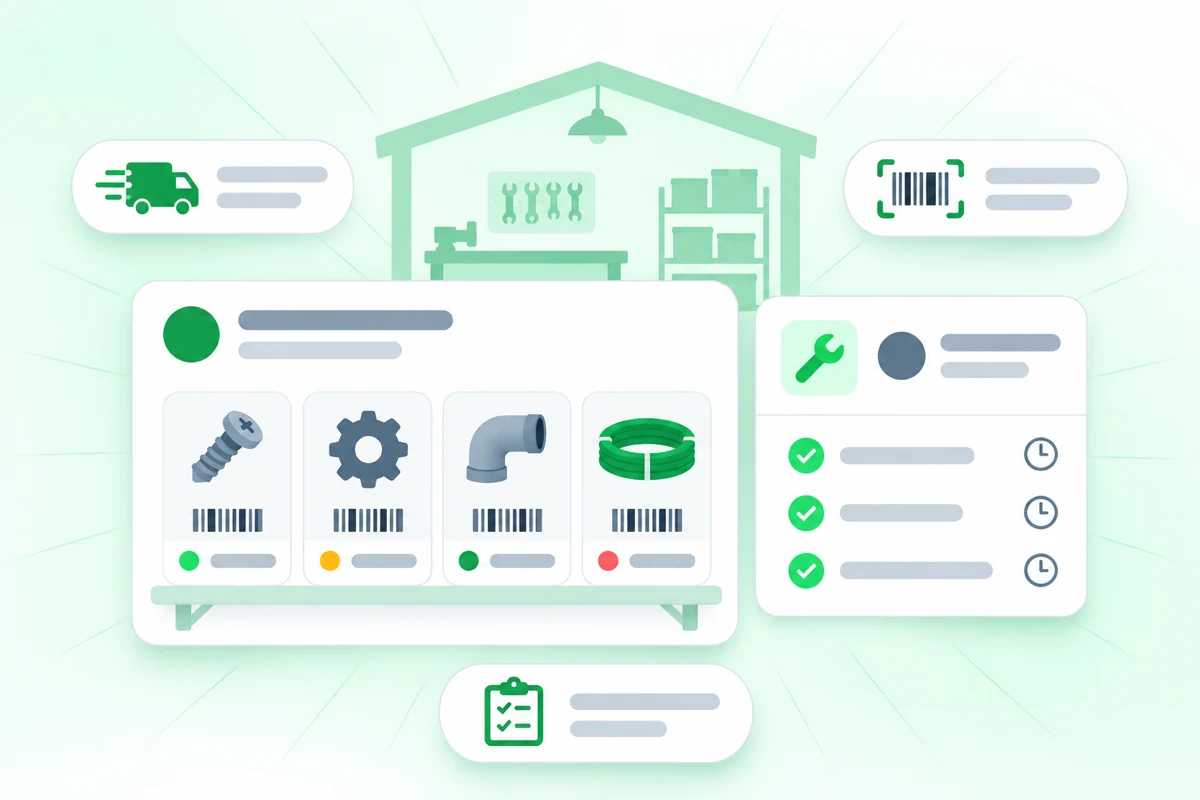
The job is ready, but the part is not
When parts, orders and jobs sit in separate lists, someone ends up searching or phoning around. In Orchido they sit side by side.
With separate lists
- A part runs out and nobody notices until a job needs it.
- A delivery arrives in pieces and the order sheet does not show it.
- Staff hours are on a paper sheet or in a group chat.
With Orchido
- Every item has a SKU and can carry a barcode, and its count changes when parts are taken or put back.
- A purchase order shows which lines arrived and which are still open.
- Every check-in and check-out is a dated record, and a missing time gets a reason.
What Orchido does in a workshop
Three parts of the daily work: the parts, the jobs and the deliveries.
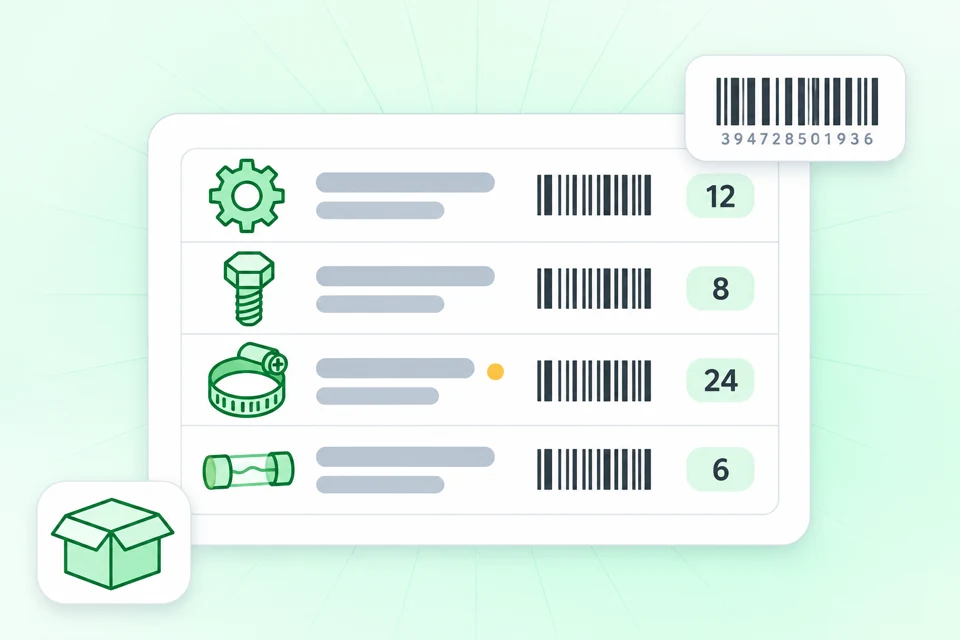
Find a part by its barcode
Each variant has its own SKU and can carry a barcode, so you can search for the right part. You can print an item’s barcode as labels for shelves and bins.
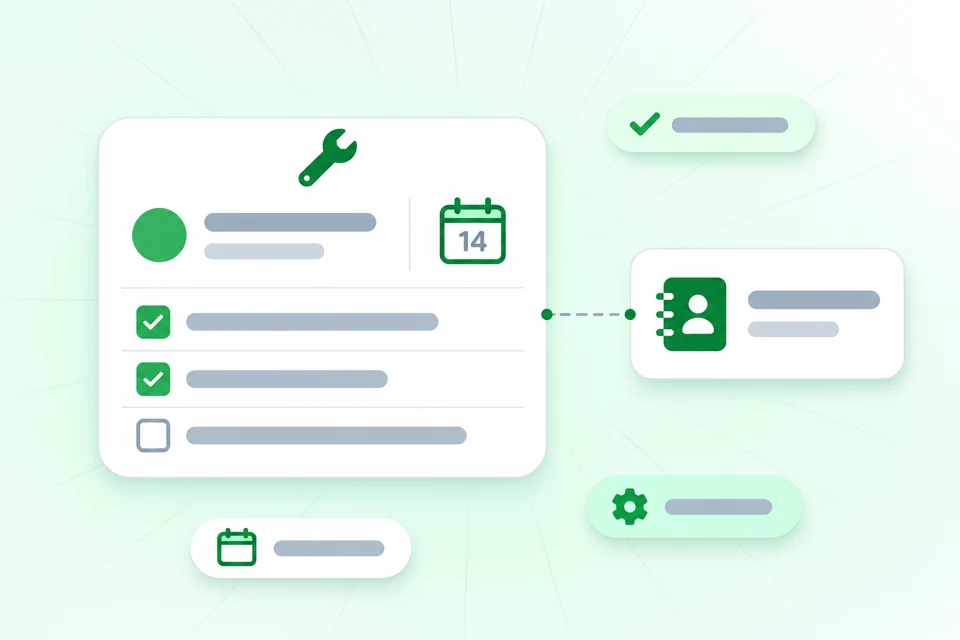
Each job sits on the customer’s record
Add each job as a task from the customer’s record, and the record lists all its tasks. A due date shows when the job must be done.
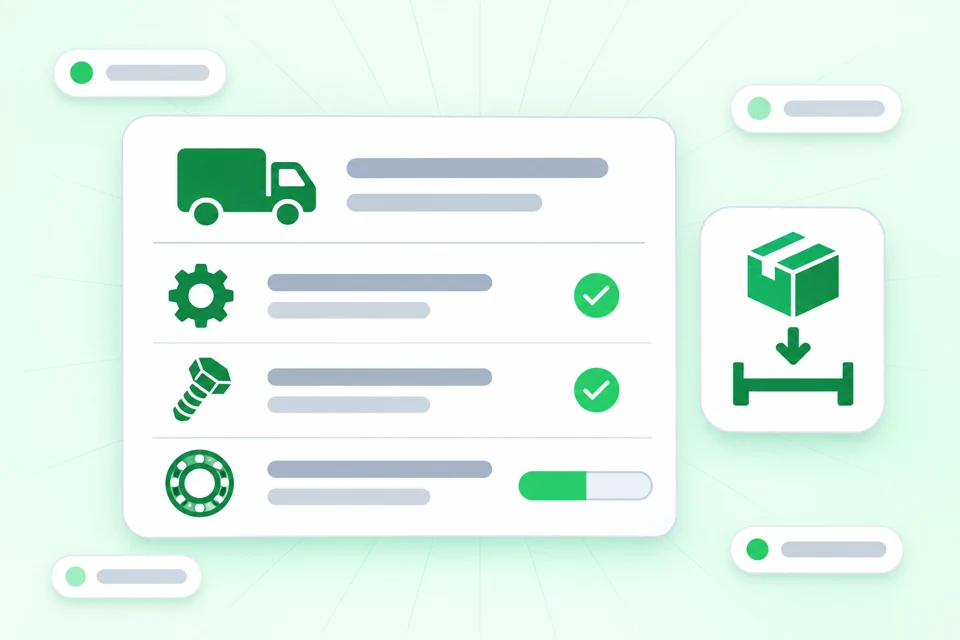
Receive a delivery that arrives in parts
Record each order you place with a supplier as a purchase order. When only some lines arrive, receive those lines and Orchido marks the order as partly received.
Try it in your workshop
Add your parts, enter your open jobs and invite your team. The free trial lasts 14 days.
No credit card required.
Questions about Orchido for workshops
Can I print barcode labels?
Can I see how many parts are in each storage place?
Does Orchido send the order to my supplier?
Can I create quotes or invoices?
Can I attach photos to a job?
Can customers send me a request through a form?
Set up Orchido for your workshop
Add your parts, then link your first job to a customer.
No credit card required.
- Add your parts. Create items with a SKU and a barcode.
- Add a job. Open a customer record and add a task from it.