
Restaurants
Shifts, hours and stock for your restaurant
A shift plan in a group chat and hours on paper cost you time. Orchido keeps shifts, staff hours and supplier orders in one place. Made for restaurants and cafés.
14 days free trial.No credit card.
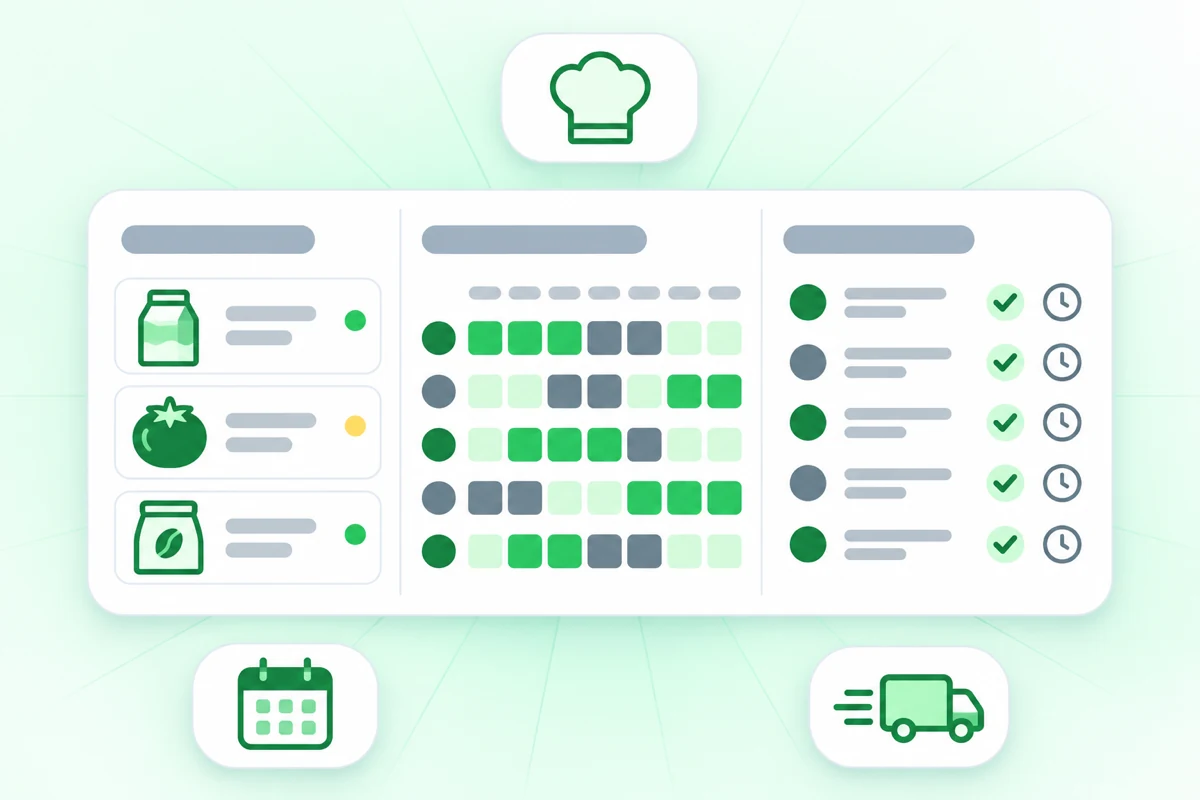
The shift plan lives in a group chat
In Germany and Austria, employers must keep a record of hours worked. Orchido records when each person checks in and out.
With notes and chats
- The shift plan is a photo in a group chat, and Friday changed twice.
- Nobody can say when someone really arrived or left.
- Supplier orders start with a look at the shelf.
With Orchido
- Shifts start on a date you pick, and you can change one day on its own.
- Every check-in and check-out is a dated record, and a missing time gets a reason.
- Purchase orders for your suppliers sit in one place.
Where Orchido helps day to day
Set the week’s shifts, keep supplier orders in one place and, on the Professional plan, track expiry dates.
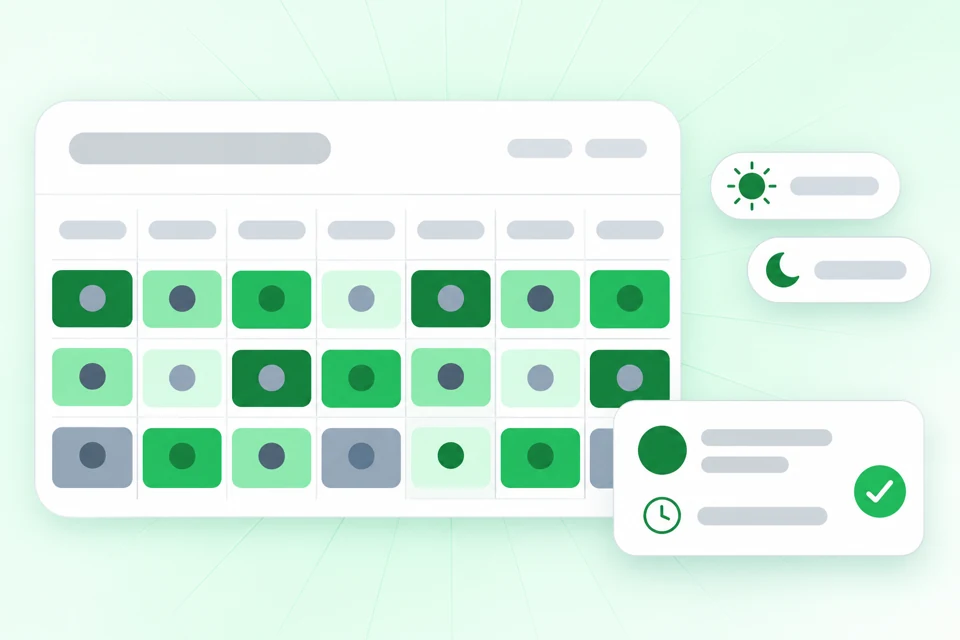
Set the week once
Create shift templates, assign them to each person from a set date and change a single day on its own. When a check-in or check-out is missing, you add the time by hand with a reason.
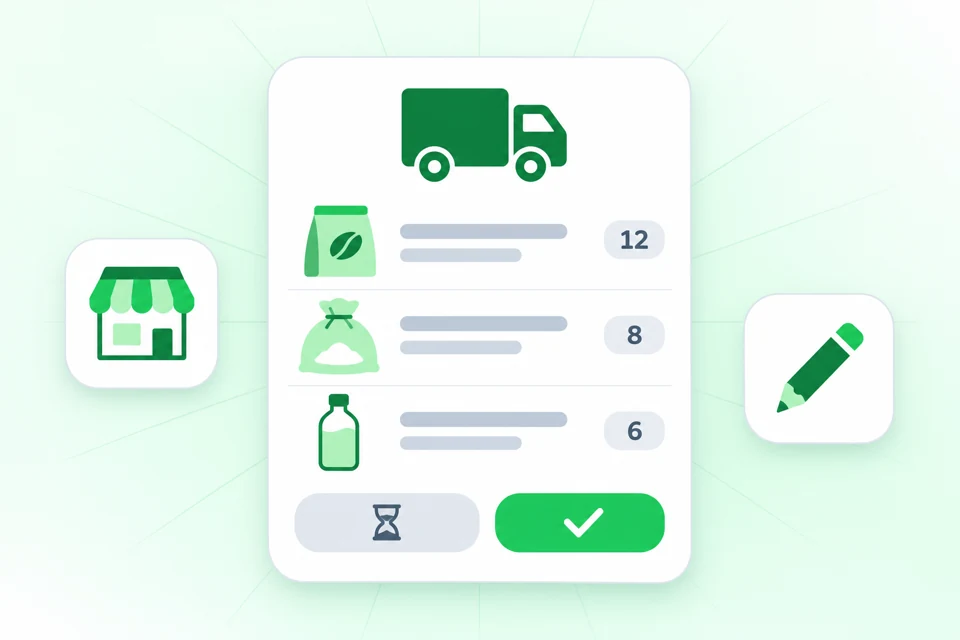
You decide what gets ordered
Keep suppliers and purchase orders in one place, and record a delivery that arrives in parts. With reorder rules on the Professional plan, Orchido drafts a purchase order and waits for you to approve it.
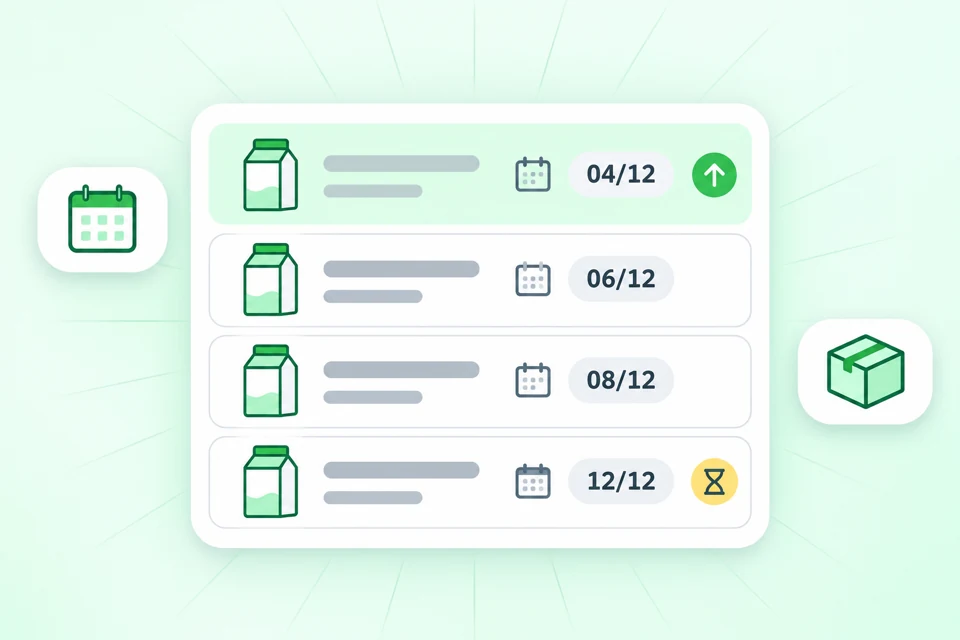
See what expires first
Record batches with their expiry dates. The expiry report lists the soonest dates first, so you can see what to use next. This is part of the Professional plan.
Try it on next week’s shifts
Create a shift template, assign it to your team and add your first supplier. The free trial lasts 14 days.
No credit card required.
Questions about Orchido in a restaurant
Does Orchido replace my till?
Is there an app to install?
Which plan has expiry dates?
Who plans the shifts?
What if a check-out is missing?
Does Orchido send orders to my suppliers?
Plan your first week in Orchido
Set up your shifts and suppliers, then plan your first week.
No credit card required.
- Plan the week. Create a shift template and assign it from a date.
- Add a supplier. Create your first purchase order.