
Cleaning teams
Shifts, hours and supplies for your cleaning team
Shift plans in a chat and hours on paper cost you time. Orchido keeps shifts, staff hours, time-off requests and supplies in one place.
14 days free trial.No credit card.
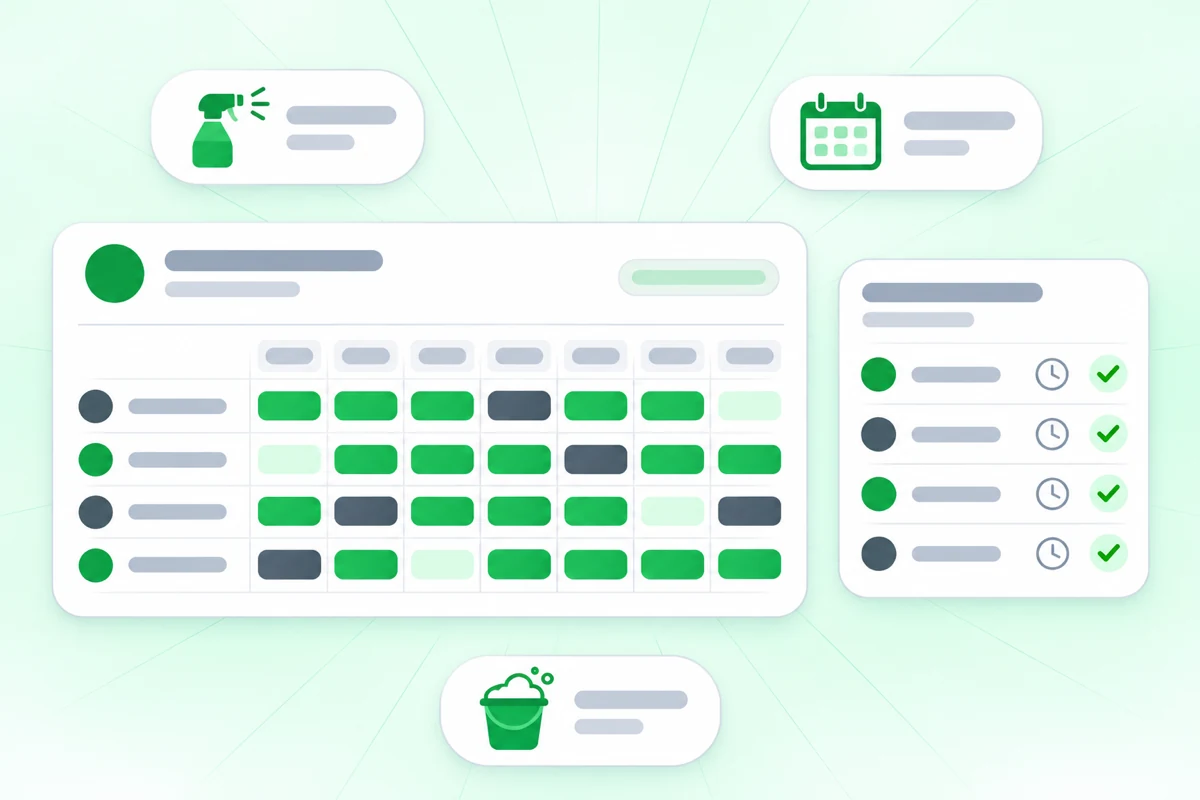
The plan changes and the chat gets long
In Germany and Austria, employers must keep a record of hours worked. Orchido records when each person checks in and out.
With chats and paper
- The shift plan is a photo in a group chat, and someone called in sick again.
- Time-off requests arrive as messages and get lost.
- Nobody sees that the gloves ran out until a cleaner asks.
With Orchido
- Shifts start on a date you pick, and you can change one day on its own.
- Every check-in and check-out is a dated record, and a missing time gets a reason.
- Supplies are items with a count that goes down when someone takes one out.
Where Orchido helps in a cleaning team
Three parts of the daily work: the shifts, the supplies and the time off.
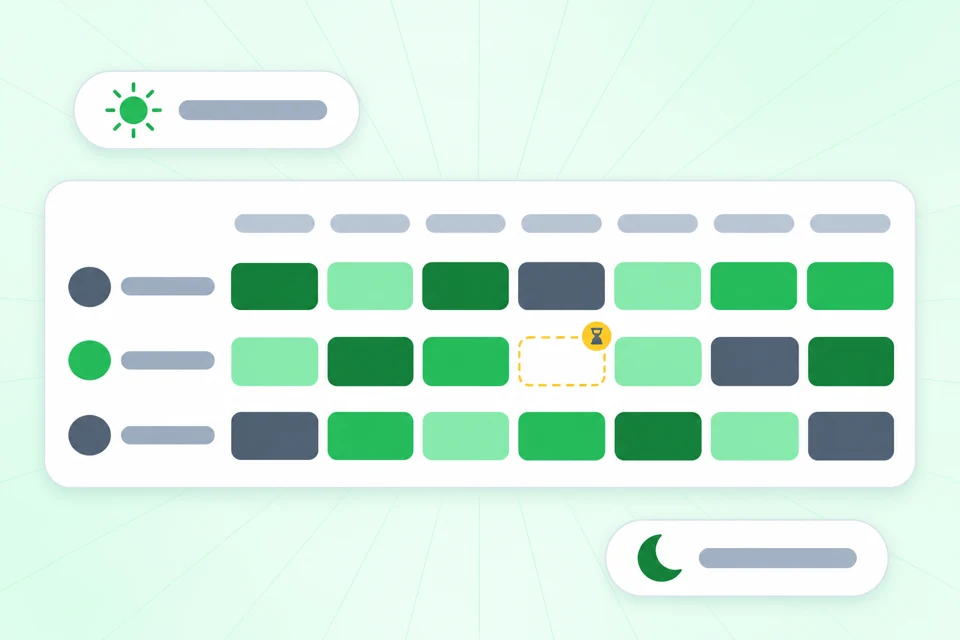
One plan for every shift
Create shift templates, such as early and late, and give each person one from a date you choose. You can change a single day without touching the rest.
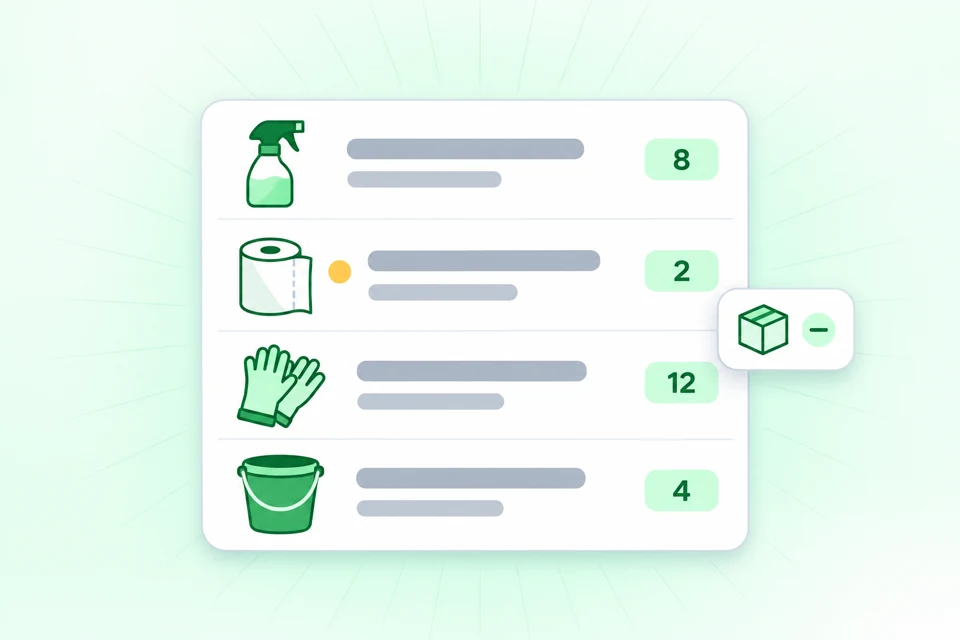
Know when the gloves run low
List your supplies as items and record when someone takes one out or puts one back. The low-stock report shows which items are at or below their minimum level.
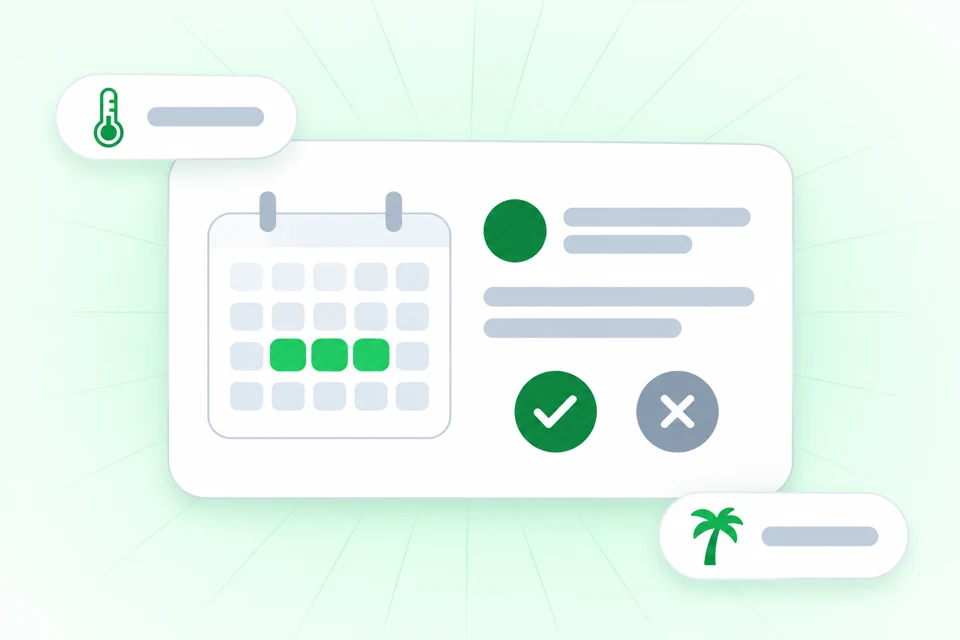
Time-off requests with an answer
A team member sends a request with a type, such as sick or vacation, and the dates. By default the owner approves or rejects it.
Try it with next week’s shifts
Create a shift template, give it to your team and add your first supplies. The free trial lasts 14 days.
No credit card required.
Questions about Orchido for cleaning teams
Do my cleaners need an app?
What if a check-out is missing?
Who approves time off?
Can I plan different teams for different buildings?
Does Orchido calculate pay or overtime?
Can I see when supplies run low?
Plan your first week in Orchido
Create your shifts, then add your supplies.
No credit card required.
- Plan the week. Create a shift template and give it to each person from a date.
- Add your supplies. Create an item for each one and set a minimum level.