
People teams
Staff hours and time off for your small team
Orchido keeps staff hours, time-off requests and shifts in one place, so the owner can see who is in and who is off.
14 days free trial.No credit card.
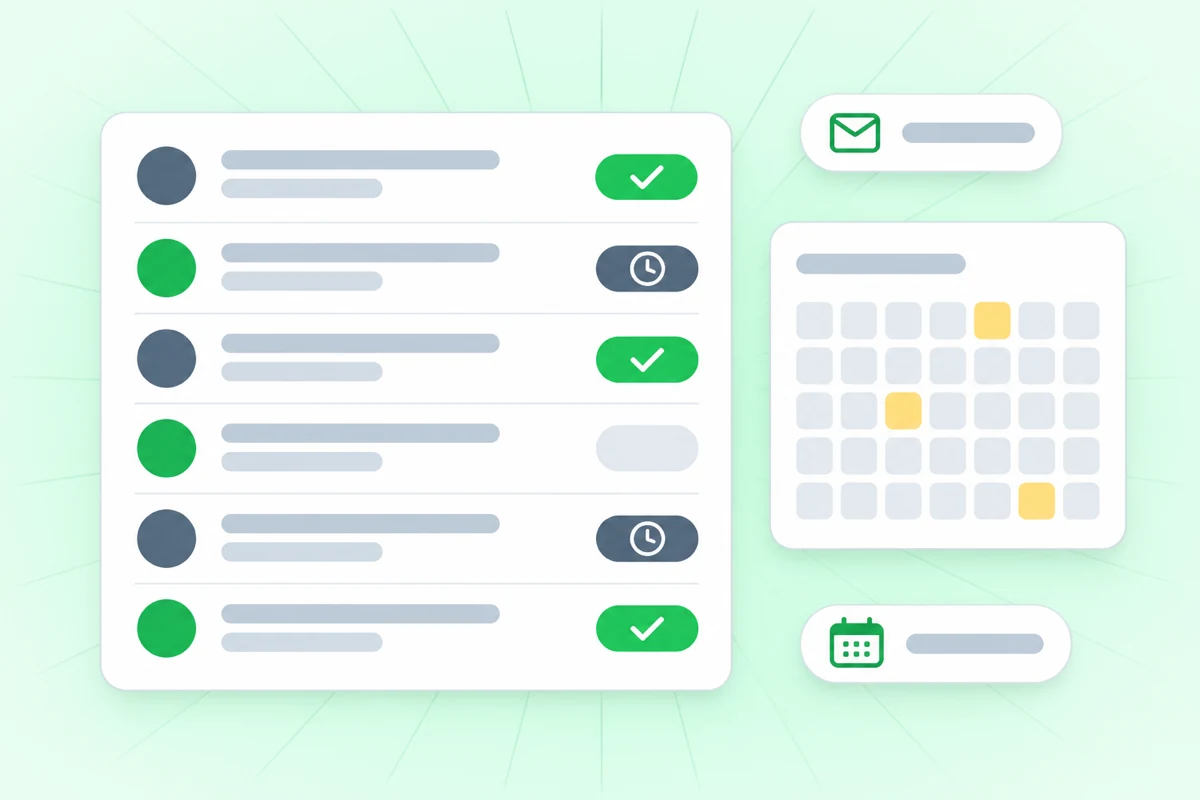
Hours in a notebook, time off in a chat
In Germany and Austria, employers must keep a record of hours worked. Orchido records when each person checks in and out.
With notebooks and chats
- Hours are written down at the end of the week, from memory.
- Time-off requests arrive as messages, and a sick day gets lost.
- To know who is in today, you have to ask around.
With Orchido
- Every check-in and check-out is a dated record, and a missing time gets a reason.
- A time-off request has a type, dates and an answer from the owner.
- The owner sees who is checked in right now, in one list.
Where Orchido helps a small team
Three parts of managing people: the hours, the time off and the team itself.
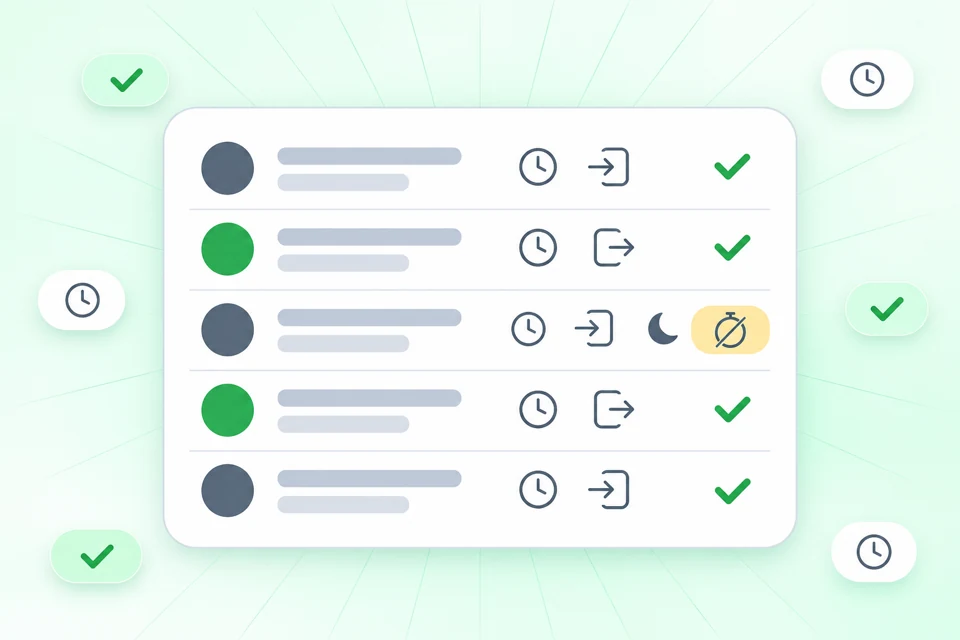
Who is in right now?
By default the owner sees who is checked in right now and opens an attendance report for each person. An open check-in is closed automatically during the night.
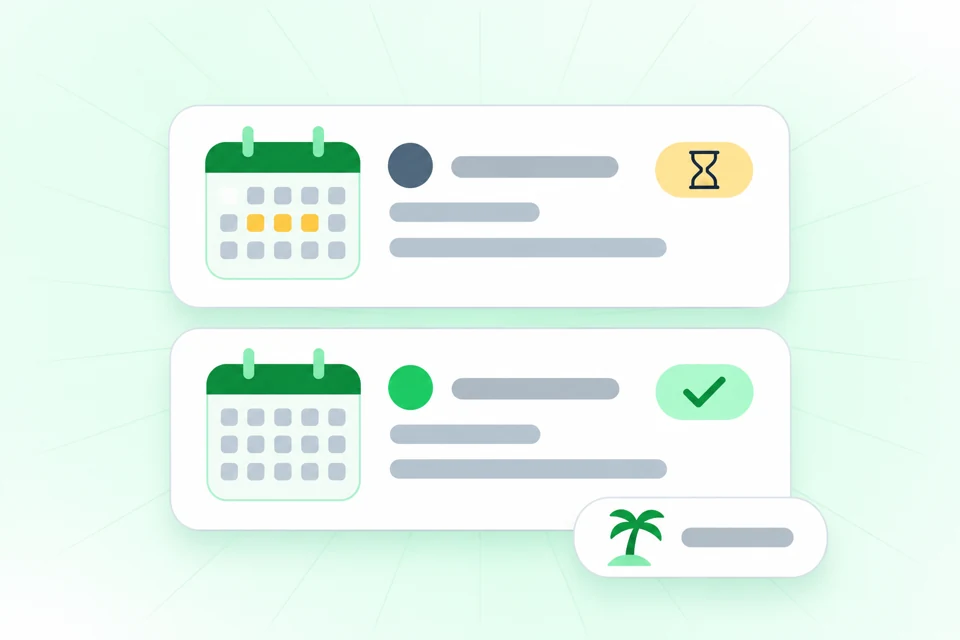
Time off, asked and answered
A team member asks for time off with a type, such as sick or vacation, and the dates. The request stays pending until the owner approves or rejects it.
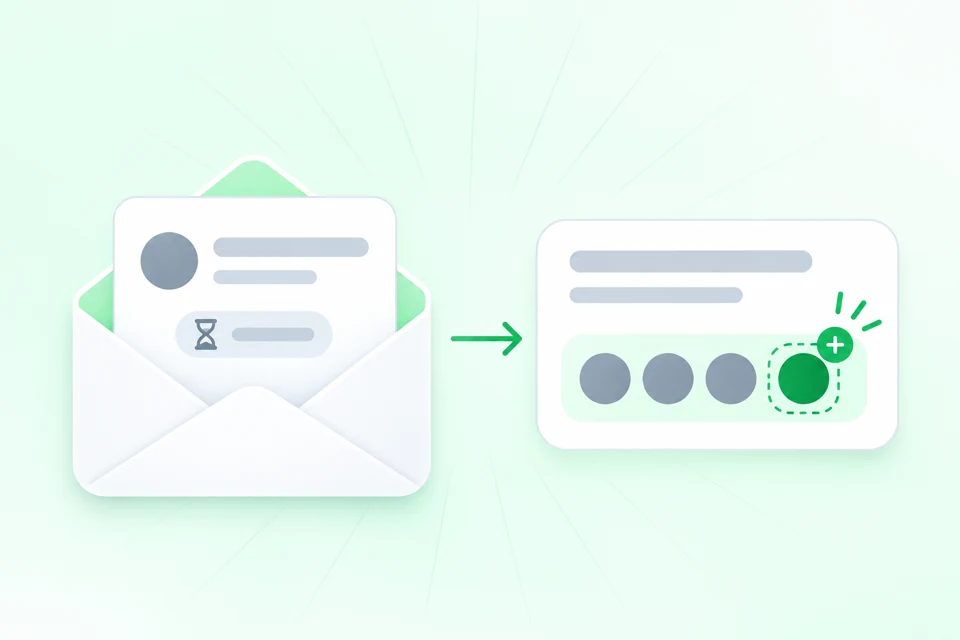
A new colleague starts with an email
Invite a person by email, and the invitation shows as pending until it is accepted or it expires. When someone leaves you offboard them, and a return starts a new employment period.
Try it with your next new hire
Invite one person by email and give them a shift from a date. The free trial lasts 14 days.
No credit card required.
Questions about Orchido for small teams
Does Orchido track holiday balances?
What if a check-out is missing?
Who approves time off?
How do I add a new employee?
What happens when someone leaves and comes back?
Is there an app for my team?
Set up your team in Orchido
Invite your people, then plan their first shifts.
No credit card required.
- Invite your team. Send each person an invitation by email.
- Plan the week. Create a shift template and give it to each person from a date.