
Dental clinics
Is your dental practice running low on materials?
Gloves, burs and impression material run out, and the last depot order is somewhere in an email. Orchido keeps material stock, the practice office and your team in one place. No patient data.
14 days free trial.No credit card.
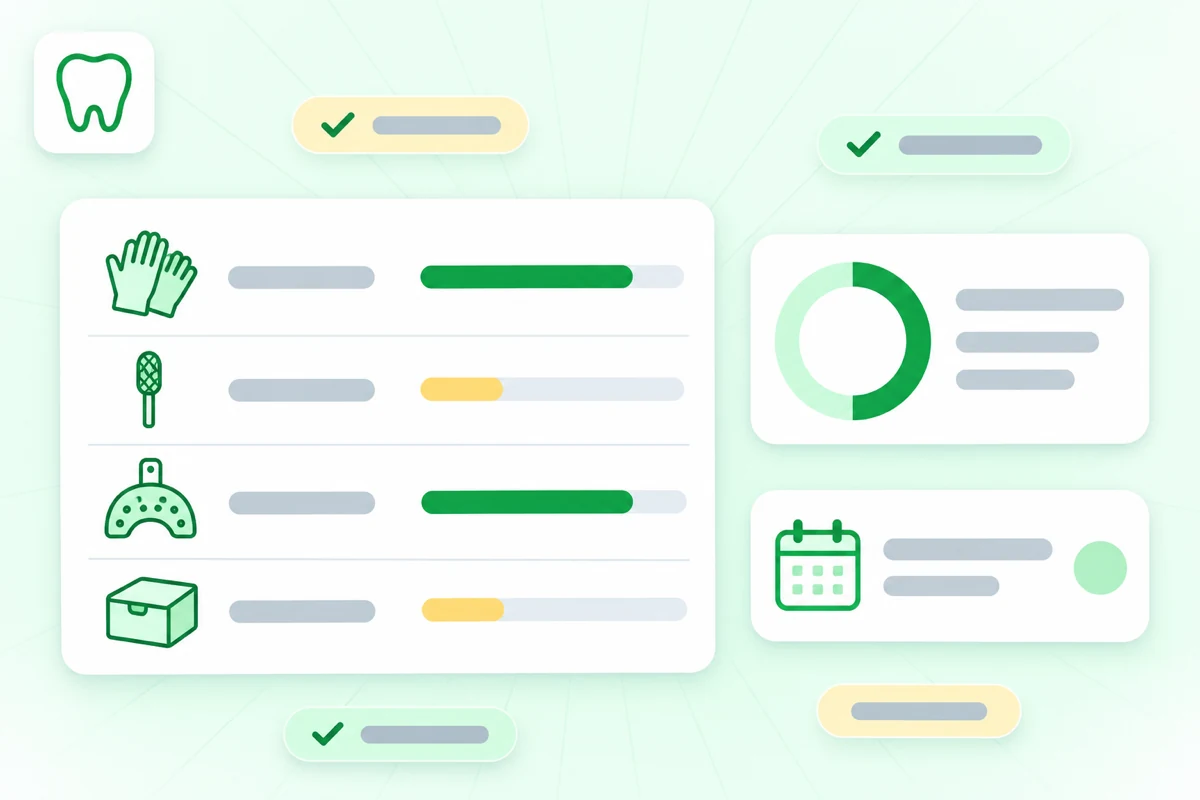
When material runs out mid-week
A paper list and the label on a box do not tell you what is low. Orchido shows your stock levels and purchase orders in one place, so you see what to order next.
With paper lists and boxes
- Gloves or anesthetic cartridges run out in the middle of the week, and the next depot order is still days away.
- Nobody knows which pack of impression material expires first, because the date is only on the box.
- Half a delivery arrives, and nobody remembers what is still missing.
With Orchido
- The low-stock report shows which items are at or below their minimum level.
- On the Professional plan, you record the lot number and expiry date when a delivery arrives, and the expiry report lists the soonest dates first.
- The purchase order shows as partly received, and you add a task for what is still missing.
Where Orchido helps in your dental practice
Three parts of the daily work: materials, deliveries and the practice office.
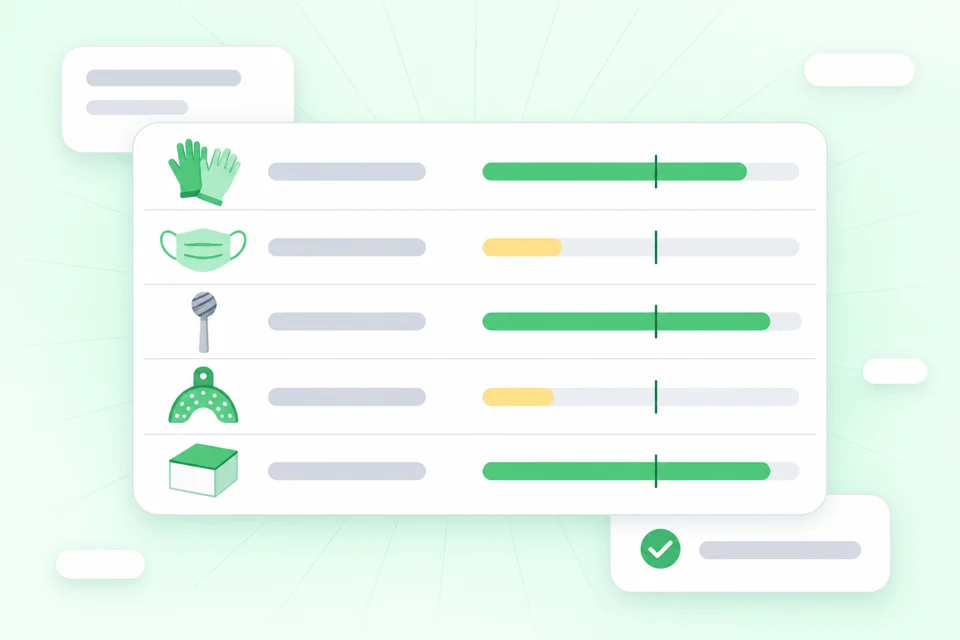
See what is running low
Each material is an item with a minimum level, from gloves to burs. The low-stock report lists every item that is at or below its minimum.
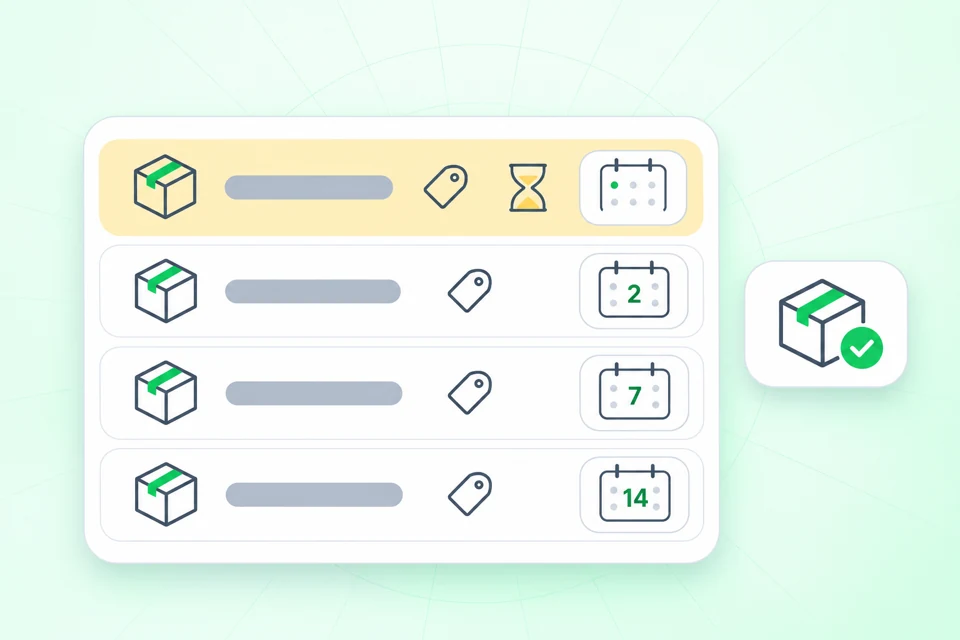
Lot number and expiry date at delivery
On the Professional plan, you record the lot number and expiry date of anesthetic cartridges or impression material when a delivery arrives. The expiry report lists the soonest dates first, so you know which pack to use next.
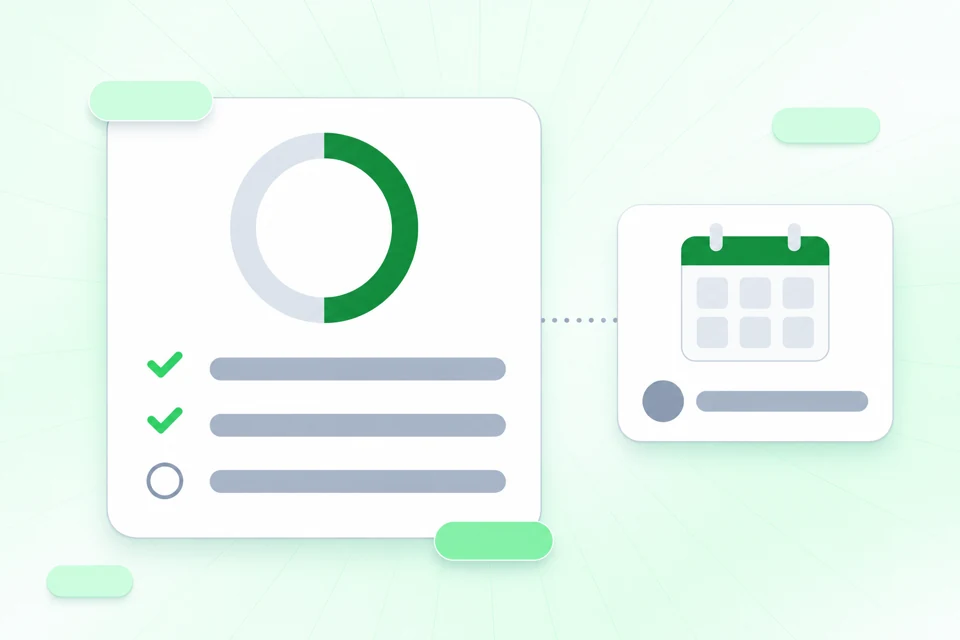
Your practice office, from depot order to task
Keep your purchase orders to the dental depot, and when only part of a delivery arrives, the order shows as partly received. You then add what is still missing as a task, with a due date and a person.
Start with the materials you use most
Add your most-used materials with a minimum level and enter your dental depot as a supplier. The free trial lasts 14 days.
No credit card required.
Questions about Orchido for dental practices
Does Orchido store patient data?
Can I link a lot to a patient or a treatment?
Does Orchido send orders to our dental depot?
Which plan has lot numbers and expiry dates?
Can I plan shifts and record hours too?
Is there an app to install?
Your materials first, then next week
Add your materials, then plan the shifts.
No credit card required.
- Add your stock. Create an item for each material and set a minimum level.
- Plan the week. Create a shift template and give it to each person from a date.